
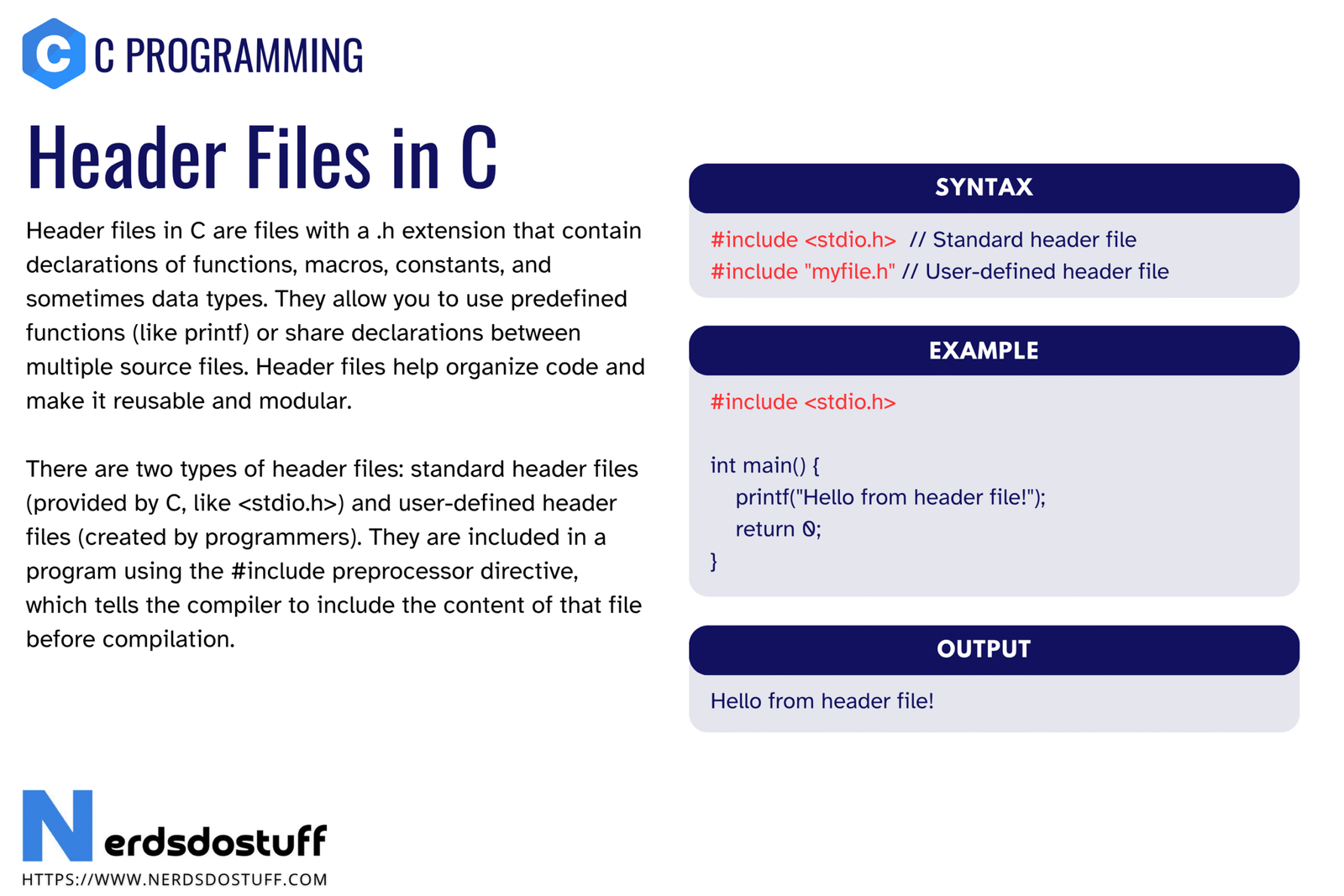
Header files in C are files that contain declarations shared between source files. They usually store function declarations, macros, constants, type definitions, and sometimes external variable declarations. Header files help organize code, reduce repetition, and make multi-file C programs easier to build and maintain.
Beginners often use headers like stdio.h without fully understanding what a header file really does. They may know that #include is required, but not why it is required. In this article, we will understand what header files in C are, why they are important, how they work, the difference between standard and user-defined headers, how to create your own header file, and the mistakes beginners should avoid.
What are Header Files in C?
A header file in C is a file with the .h extension that usually contains declarations to be shared across one or more source files. A header file is not usually a complete program by itself. Instead, it provides information that source files need during compilation.
#include <stdio.h>This line includes a standard header file so the compiler knows about declarations such as printf().
A header file tells the compiler what exists. The source file usually provides the actual implementation.
Why Header Files are Important in C
- They allow declarations to be reused across multiple source files.
- They make programs easier to organize.
- They reduce repeated declarations.
- They help separate interface from implementation.
- They support multi-file programming in a clean way.
Without header files, larger C programs become harder to manage because every declaration would have to be repeated manually in multiple places.
What is Usually Stored in a Header File?
A header file may contain several kinds of declarations depending on the program design.
| Common Header Content | Purpose |
|---|---|
| Function declarations | Tell the compiler a function exists |
| Macros | Define constants or code-like replacements |
| Type definitions | Provide aliases or custom types |
| Structure declarations | Share structured data layouts |
| External variable declarations | Declare global data defined elsewhere |
Header files usually do not contain ordinary full function definitions in beginner C programs, although there are special cases such as inline logic or macro-based code.
Standard Header Files in C
Standard headers are provided by the C library or compiler environment. They give access to common functions and definitions.
| Header | Used For |
|---|---|
stdio.h | Input and output |
stdlib.h | Utilities and memory allocation |
string.h | String functions |
math.h | Mathematical functions |
ctype.h | Character checking and conversion |
time.h | Date and time functions |
These are included with angle brackets.
#include <stdio.h>
#include <string.h>
Angle brackets are generally used for standard or system-provided headers.
User-Defined Header Files in C
You can also create your own header files for your own program. These are commonly used in multi-file projects.
#include "myheader.h"Double quotes are usually used for user-defined header files. This tells the compiler to look in the current project path first before checking system include paths.
How Header Files Work with #include
The #include directive is handled by the preprocessor. It effectively inserts the contents of the header file into the source file before compilation continues.
That means header files are part of the preprocessing stage, not a separate standalone runtime feature.
#include "myheader.h"
int main(void)
{
    return 0;
}
When preprocessing runs, the contents of myheader.h are placed into the source file at that location.
Example of a User-Defined Header File in C
Suppose you want to declare a function in a header file and define it in a source file.
/* mymath.h */
int add(int a, int b);
/* mymath.c */
int add(int a, int b)
{
return a + b;
}/* main.c */
#include <stdio.h>
#include "mymath.h"
int main(void)
{
printf("%d\n", add(4, 5));
return 0;
}This is a clean and common pattern: declarations in the header, implementation in the source file, and usage in another source file.
Header Guards in C
One important concept in header-file design is the header guard. A header guard prevents the same header from being included multiple times in a way that causes redefinition errors.
#ifndef MYMATH_H
#define MYMATH_H
int add(int a, int b);
#endif
This pattern ensures the header contents are processed only once in a given compilation unit, even if the header is included repeatedly through different paths.
| Part | Purpose |
|---|---|
#ifndef MYMATH_H | Checks whether the macro is not already defined |
#define MYMATH_H | Defines the macro to mark the header as included |
#endif | Ends the conditional block |
Difference Between Header File and Source File
| Feature | Header File | Source File |
|---|---|---|
| Extension | .h | .c |
| Main purpose | Store declarations and shared definitions | Store implementations and executable code |
| Typical content | Function declarations, macros, structs, typedefs | Function definitions and program logic |
| Compiled directly | Usually included, not compiled alone | Compiled directly |
This distinction is very important in multi-file C programming. The header describes what is available, while the source file provides the actual behavior.
Common Mistakes with Header Files in C
- forgetting to include the correct header before using a function
- putting the same declarations repeatedly in multiple source files instead of using a header
- missing header guards in user-defined headers
- confusing declarations with definitions
- using angle brackets for local files when quotes are more appropriate
- declaring something in a header but never defining it in any source file
| Mistake | Why it is wrong | Better approach |
|---|---|---|
| No header guard | May cause multiple-definition or redefinition problems | Add #ifndef, #define, and #endif |
| Definition missing after declaration | Leads to linker errors | Make sure the function is defined in some .c file |
| Wrong include form | May confuse include search behavior | Use <> for standard headers and "" for local headers |
Many header problems are discovered during compilation or linking, so understanding the build process helps a lot here.
Best Practices for Header Files in C
- Use header guards in your own header files.
- Place shared declarations in headers, not repeated manually in source files.
- Keep implementations in source files unless there is a specific reason otherwise.
- Use meaningful header names that match the module purpose.
- Include only the headers that are actually needed.
Good header-file design makes multi-file C programs easier to read, compile, debug, and maintain.
FAQs
What are header files in C?
Header files in C are .h files that usually contain declarations such as function declarations, macros, type definitions, and shared structures.
Why are header files used in C?
They are used to share declarations across multiple source files and to organize programs more cleanly.
What is the difference between <> and “” in #include?
Angle brackets are generally used for standard or system headers, while double quotes are generally used for user-defined local header files.
What is a header guard in C?
A header guard is a preprocessor pattern that prevents a header file from being included multiple times in the same compilation unit in a harmful way.
Do header files contain function definitions in C?
They usually contain declarations rather than ordinary function definitions. In most beginner programs, implementations are kept in .c source files.
Continue learning C in order
Follow the topic sequence with the previous and next lesson.