
The for loop in C is one of the most commonly used control structures in programming. It is used when a block of code needs to repeat in a controlled way and the overall repetition pattern is known or can be expressed clearly. Counting, indexing, traversing arrays, generating tables, printing patterns, and many algorithmic steps rely heavily on the for loop.
Many beginners meet the for loop early, but they often treat it as a strange syntax pattern instead of understanding how it really works. Once the three parts of the loop become clear, the structure becomes straightforward and powerful. In this article, we will understand what the for loop in C is, its syntax, how it works, flow of execution, common variations, practical uses, and the mistakes beginners should avoid.
What is for Loop in C?
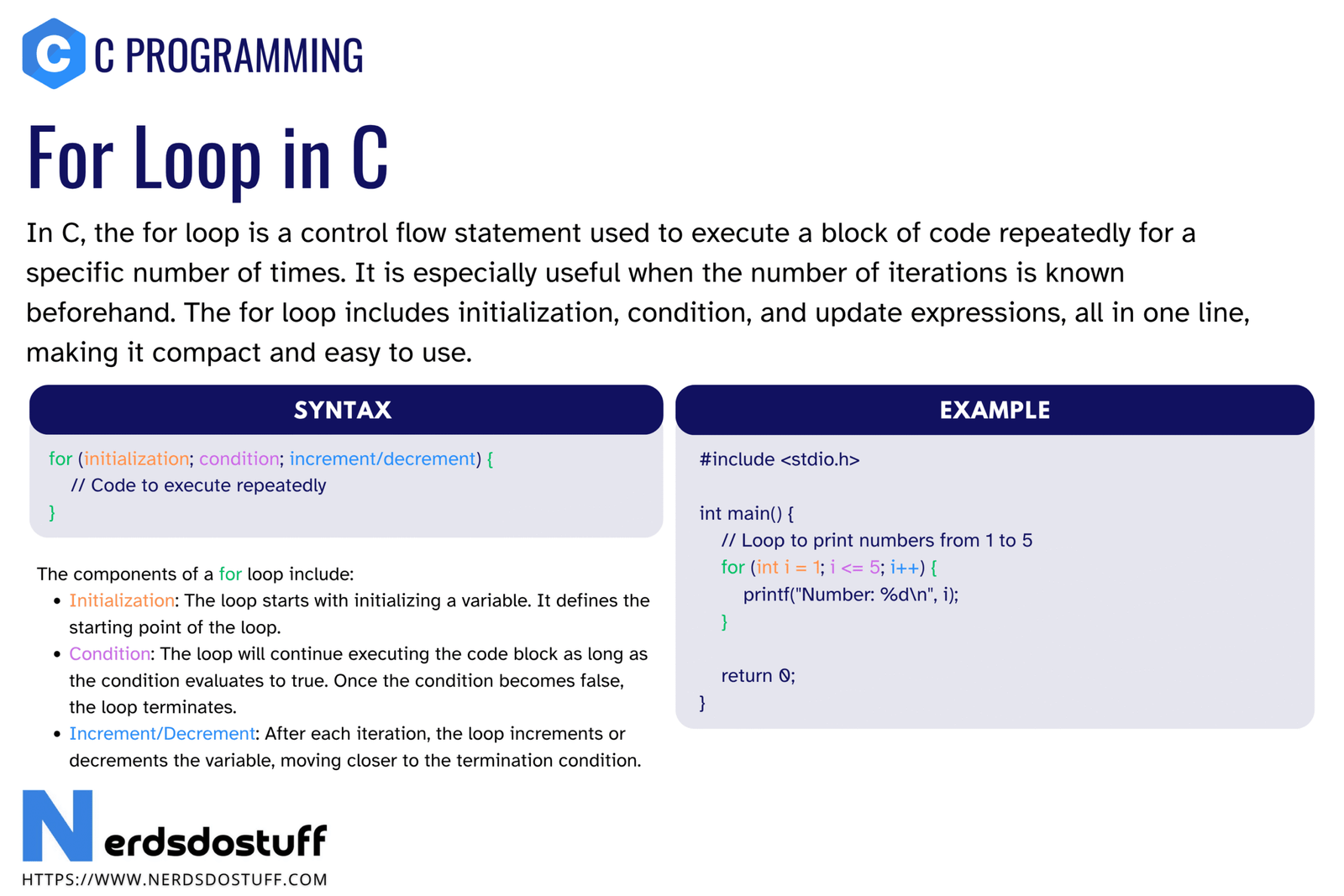
A for loop in C is a repetition structure that usually combines initialization, condition checking, and update in one compact statement. It repeats the loop body as long as the condition remains true.
for (initialization; condition; update)
{
    /* loop body */
}
This makes the for loop especially useful when the repeated action follows a clear pattern such as counting from 1 to 10, moving through array indexes, or stepping through values.
A for loop is best when the repetition pattern is easy to express in one place.
Why for Loop is Important in C
- It keeps loop control compact and readable.
- It is ideal for counting-based repetition.
- It is commonly used with arrays, strings, and tables.
- It helps prevent scattered loop logic.
- It is one of the most practical loop structures in day-to-day C programming.
The for loop is not the only loop in C, but it is often the most natural choice when the loop variable has a clear start, stop rule, and update step.
Syntax of for Loop in C
The general syntax is:
for (initialization; condition; update)
{
    statements;
}| Part | Purpose |
|---|---|
| Initialization | Runs once before the loop begins |
| Condition | Checked before each iteration |
| Update | Runs after each iteration |
All three parts appear in a single line, but they do different jobs at different times. Understanding this timing is the key to mastering the for loop.
How for Loop Works in C
The execution flow of a for loop is usually:
- Run the initialization once.
- Check the condition.
- If the condition is true, run the loop body.
- Run the update expression.
- Go back and check the condition again.
This cycle continues until the condition becomes false.
#include <stdio.h>
int main(void)
{
    for (int i = 1; i <= 5; i++)
    {
        printf("%d\n", i);
    }
    return 0;
}
In this example:
int i = 1runs once at the starti <= 5is checked before each iterationprintf()runs if the condition is truei++runs after each iteration
Simple Example of for Loop in C
A basic use of the for loop is printing a sequence of numbers.
#include <stdio.h>
int main(void)
{
    for (int i = 1; i <= 10; i++)
    {
        printf("%d ", i);
    }
    return 0;
}
This prints the numbers from 1 to 10. It is a classic example because it makes the loop control easy to observe.
Initialization, Condition and Update in Detail
Beginners should understand the three loop parts separately, not just memorize the syntax.
Initialization
The initialization part usually sets the starting value of the loop variable. It runs only once.
int i = 0Condition
The condition controls whether the loop continues. If it becomes false, the loop stops.
i < 5Update
The update changes the loop variable after each iteration. It often increments or decrements the variable.
i++Put together:
for (int i = 0; i < 5; i++)
{
    printf("Hello\n");
}
This prints Hello five times.
for Loop with Decrement in C
A for loop does not always count upward. It can also count backward.
#include <stdio.h>
int main(void)
{
    for (int i = 5; i >= 1; i--)
    {
        printf("%d\n", i);
    }
    return 0;
}
This loop prints from 5 down to 1. The same structure works because the condition and update are chosen appropriately.
for Loop with Different Step Values
The update step does not have to be i++. It can move by larger steps too.
for (int i = 0; i <= 10; i += 2)
{
    printf("%d\n", i);
}
This prints even numbers from 0 to 10. The update expression controls the step size.
| Update Expression | Effect |
|---|---|
i++ | Increase by 1 |
i-- | Decrease by 1 |
i += 2 | Increase by 2 |
i *= 2 | Multiply by 2 each time |
for Loop with Multiple Expressions
A for loop can also contain more than one expression in the initialization or update sections.
#include <stdio.h>
int main(void)
{
    for (int i = 1, j = 5; i <= 5; i++, j--)
    {
        printf("i = %d, j = %d\n", i, j);
    }
    return 0;
}
This shows that the for loop can manage more than one changing variable when needed. That said, beginners should not overcomplicate loops unless the logic is truly clearer that way.
Using for Loop with Arrays in C
One of the most common uses of the for loop is traversing arrays.
#include <stdio.h>
int main(void)
{
    int arr[5] = {10, 20, 30, 40, 50};
    for (int i = 0; i < 5; i++)
    {
        printf("%d\n", arr[i]);
    }
    return 0;
}
The loop variable works naturally as an array index, which is why the for loop is so common in array processing.
Nested for Loop in C
A for loop can be placed inside another for loop. This is called a nested for loop. It is useful for patterns, tables, grids, and row-column style data.
for (int i = 1; i <= 3; i++)
{
    for (int j = 1; j <= 2; j++)
    {
        printf("i = %d, j = %d\n", i, j);
    }
}
Nested for loops will be covered in detail separately, but it is useful to know that the inner loop finishes fully for each outer-loop iteration.
Infinite for Loop in C
A for loop can also become infinite if its condition never becomes false or if the loop is intentionally written without a stopping condition.
for (;;)
{
    /* repeated task */
}
This form is an intentional infinite loop. It is sometimes used in embedded or continuously running programs. But accidental infinite loops can also happen when the update or condition is wrong.
Break and Continue with for Loop
The break and continue statements are often used inside a for loop.
breakstops the loop immediatelycontinueskips the remaining statements in the current iteration and moves to the next one
for (int i = 1; i <= 5; i++)
{
    if (i == 3)
        continue;
    printf("%d\n", i);
}
This skips printing 3 and continues with the next iteration.
Common Mistakes with for Loop in C
- writing the wrong condition
- forgetting the update expression
- starting from the wrong initial value
- making an off-by-one mistake at the boundary
- using the wrong comparison operator
- creating an accidental infinite loop
| Mistake | Why it is wrong | Better approach |
|---|---|---|
Using i <= 5 when only 0 to 4 is valid for an array | May go out of bounds | Match the loop boundary to valid indexes |
Forgetting i++ | Loop may never stop | Always check how the loop variable changes |
| Using the wrong start value | May skip or repeat values unexpectedly | Review initialization carefully |
Off-by-one mistakes are especially common with for loops. That is why array loops and counting loops should always be checked carefully.
Best Practices for for Loop in C
- Keep the loop logic simple and readable.
- Use meaningful variable names when the loop does more than simple counting.
- Check start and end boundaries carefully.
- Use the for loop when the repetition pattern is clear.
- Avoid overly complex expressions in the loop header unless they truly improve clarity.
A good for loop should be easy to read in one pass. If the control logic becomes confusing, simplify it.
FAQs
What is for loop in C?
The for loop in C is a repetition structure that combines initialization, condition checking, and update in one compact statement.
When should I use a for loop in C?
Use a for loop when the repetition pattern is clear, especially for counting, indexing, and array traversal.
Can a for loop run forever in C?
Yes. A for loop can become infinite if its condition never becomes false or if it is intentionally written as for (;;).
What is the difference between for loop and while loop in C?
A for loop keeps initialization, condition, and update together in one compact form, while a while loop is usually used when repetition depends mainly on a condition.
Can we use more than one variable in a for loop in C?
Yes. The initialization and update sections of a for loop can contain multiple expressions separated by commas.
Continue learning C in order
Follow the topic sequence with the previous and next lesson.